How to Use Numero eSIM
Follow the steps to set up your phone number
Watch our video tutorial for an easy guide.
How to Use Your Phone Number
Step 1
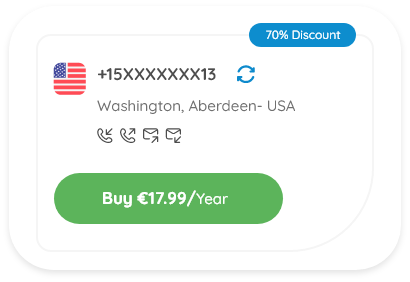
Choose Your Number
Browse through our selection of U.S. and international phone numbers and purchase the one that suits your needs.
Step 2
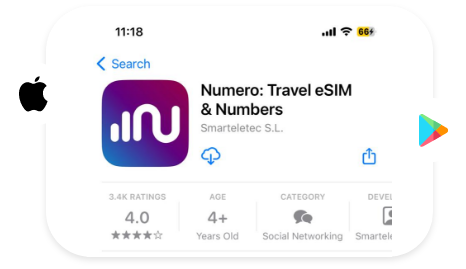
Download the App
After purchasing, download our app to manage your new phone number.
Step 3
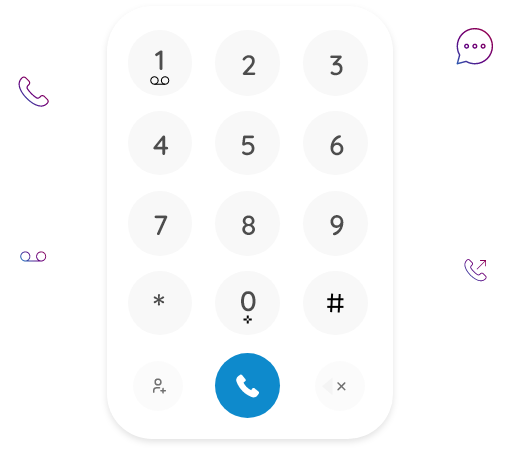
Activate Your Number
Log in to your app with the same phone number you used on the website.
Step 4
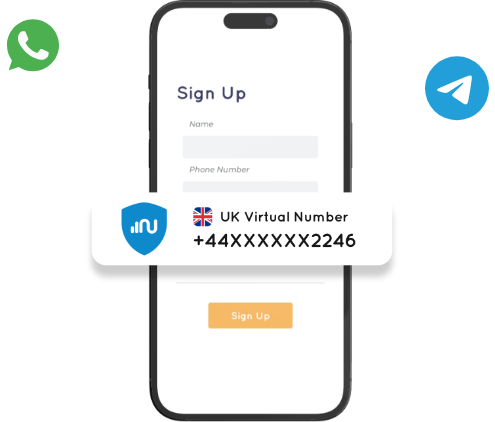
Start Using Your Number
Enjoy seamless communication and secure verification with your new phone number, with OTPs delivered directly through our app.
Our Phone Numbers Features
Incoming Calls
Receive calls for free from any number or country.
Outgoing Calls
Make affordable local and international calls.
Incoming Messages
Receive SMS from any number or country.
Outgoing Messages
Send SMS to any number worldwide.
Call Forwarding
Never miss a call by forwarding calls to another number.
Voicemail
Busy or unavailable? No problem, receive voicemail.
No SIM Card
Get as many numbers as you need on the same device.
Cancel Anytime
No long term commitment or contract.